Guide
How to organize jobsite photos before they turn into a mess.
The best jobsite photo system is simple enough for the field and structured enough for the office. The goal is not to make people do admin work. The goal is to make every important photo easy to find when a client, owner, vendor, or adjuster asks for proof.
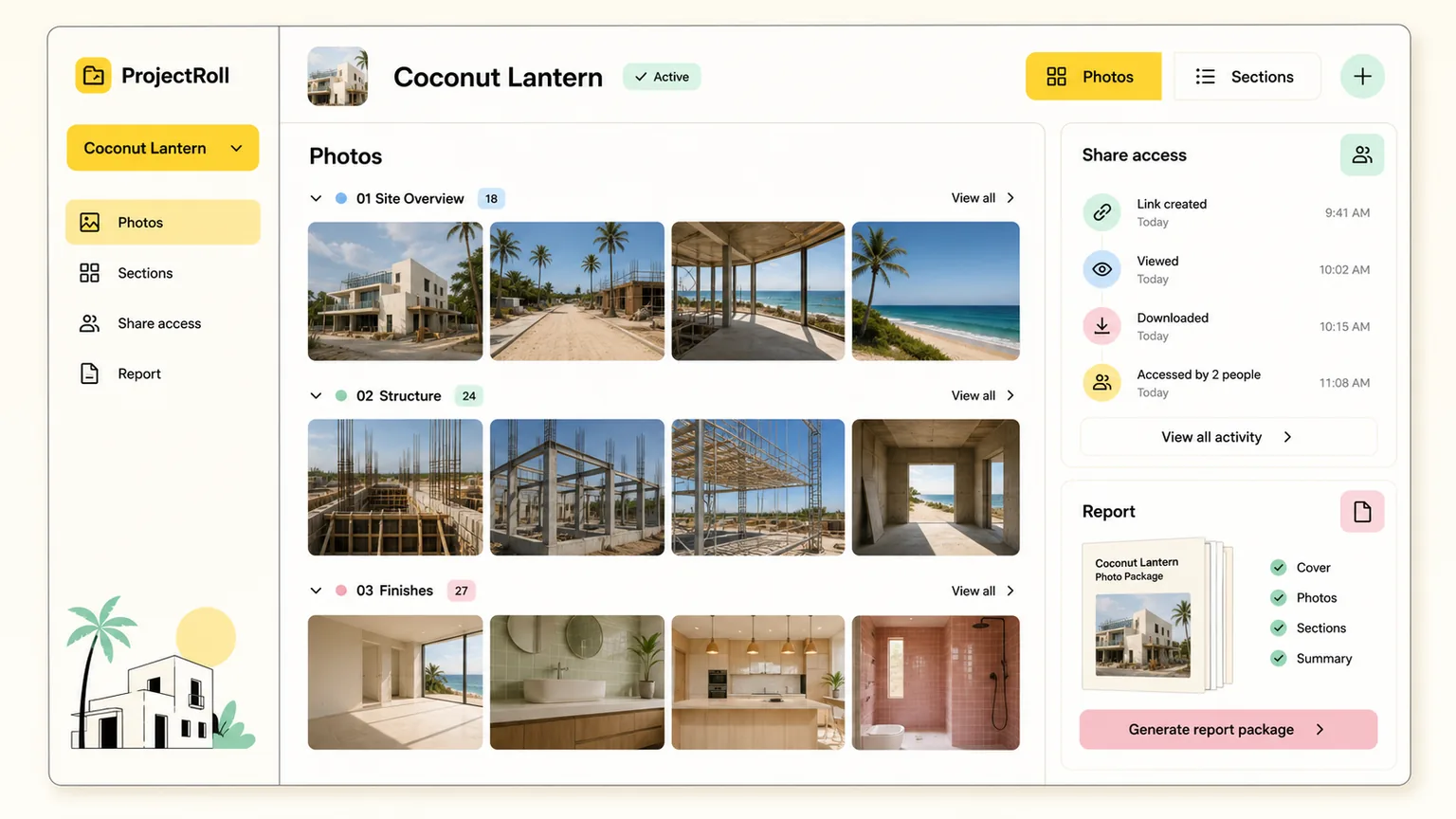
organize jobsite photos
A practical field-to-office workflow.
Part 1
Start with the project, not the folder
A folder named by date can help for storage, but it rarely explains what work the photos document. Start by tying every image to a project record.
- Use one project per job, property, or scope of work.
- Avoid mixing personal camera-roll photos with project records.
- Keep the project name clear enough that someone else can find it later.
Part 2
Use sections for how the work is reviewed
Sections should match the way people talk about the job: room, phase, trade, issue, or inspection area. That makes review faster later.
- Create sections like Kitchen, Exterior, Demo, Framing, Punch List, or Completion.
- Keep section names short and predictable.
- Move photos into sections before sharing or reporting.
Part 3
Share only the view someone needs
Different people need different photo context. A client may need progress. A subcontractor may need one issue. An adjuster may need damage proof.
- Use whole-project links for broad review.
- Use section links when one area is enough.
- Use selected-photo links for specific proof requests.
More construction photo guides
construction progress photo documentation
Construction Progress Photo Documentation Guide
Learn how to document construction progress with organized photos that support updates, billing, inspections, and closeout review.
Read guidepunch list photo documentation
Punch List Photo Documentation Guide
A practical punch-list photo documentation workflow for tracking issues, assigning context, proving completion, and sharing updates.
Read guideshare construction photos with clients
How to Share Construction Photos with Clients
Learn how to share construction photos with clients using private links, focused photo sets, clear notes, and access cleanup.
Read guideCommon questions
What is the best way to organize jobsite photos?
Organize jobsite photos by project first, then by sections such as room, phase, issue, or inspection area. That structure is easier to search and share than loose date folders.
Should jobsite photos be stored in shared folders?
Shared folders can store files, but a project photo app gives photos clearer job context, section organization, and more controlled sharing.