Client access
Give clients a clean project photo view without messy folders.
ProjectRoll gives clients and stakeholders private access to the photos they need while your team keeps project records organized.
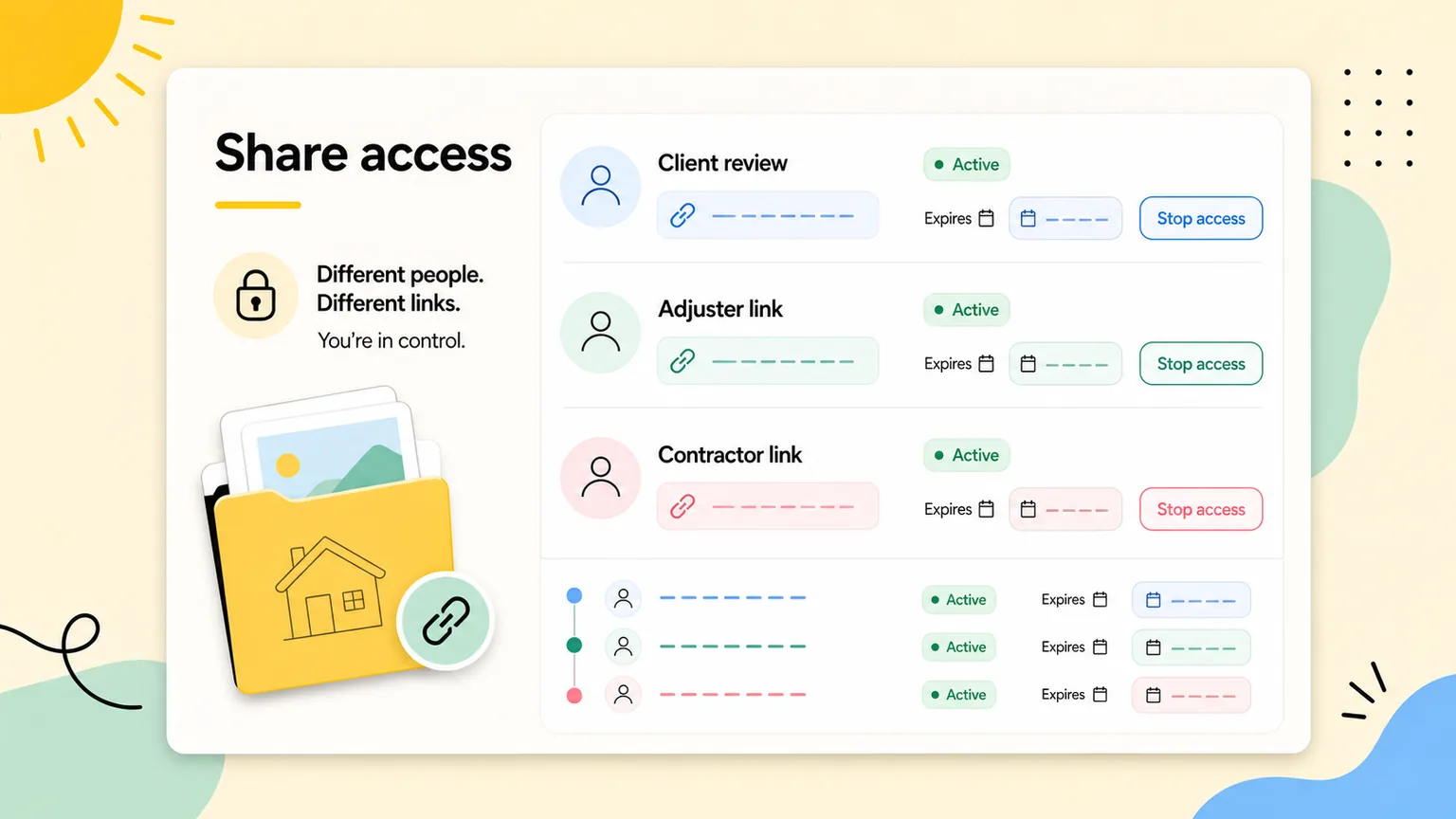
client project photo access
Built for project teams that need simple client photo review.
ProjectRoll keeps marketing promises close to the actual product: project galleries, private links, access history, and report-ready photo organization.
Product proof
Actual workspace screens
Feature pages point back to real ProjectRoll surfaces: project galleries, section controls, share history, photo packages, and report views.
Product proof
Private media model
Uploaded media stays in private Supabase Storage while ProjectRoll issues temporary signed URLs only after workspace or share-token checks.
Product proof
Scoped sharing
Links can be created for whole projects, sections, or selected photos, so each stakeholder receives the narrowest useful view.
Private review links
Share only when a stakeholder needs access, then stop that link from the access history.
Less back-and-forth
Replace scattered texts and attachments with a focused view of the relevant project photos.
Better presentation
Photos arrive with project context instead of a plain file dump.
Why teams search for this
The problem behind client project photo access.
Project photos get trapped in phone galleries, texts, and shared folders.
Clients and teammates ask for proof, but the right photos are hard to find quickly.
General storage tools do not explain which project, room, phase, or issue each photo belongs to.
What changes with ProjectRoll
A cleaner project photo workflow.
A project-first photo record with sections and cleaner review paths.
Private links that can be created for the exact scope someone needs.
Photo packages and reports that are easier to prepare because the photos already have context.
Search focus
client project photo access
This page targets a real workflow need while staying honest about what ProjectRoll does today: organize project photos, share private links, and create cleaner review records.
Workflow
Step 1
Organize project photos
Step 2
Pick project, section, or selected-photo scope
Step 3
Create a private link
Step 4
Stop access when review is complete
Keep exploring
Related ProjectRoll pages
Features
Project Photo Organization App
ProjectRoll helps teams keep project photos organized in one private workspace instead of scattered across phones, text messages, and loose folders.
Read nextFeatures
Private Project Photo Sharing Links
Create private ProjectRoll links for a whole project, a section, or selected photos, then stop access when that link is no longer needed.
Read nextFeatures
Project Photo Reports
ProjectRoll helps teams package important project photos for estimates, invoices, inspections, and client updates without rebuilding context from scratch.
Read nextUse cases
Construction Photo Documentation App
ProjectRoll helps construction teams document progress, punch-list items, site conditions, and completed work with organized project photo records.
Read nextCommon questions
Do clients need a ProjectRoll account?
Private share links are intended for external review without requiring the recipient to manage your workspace.
Can I stop a client link later?
Yes. Active links can be stopped without deleting photos or changing the underlying project.